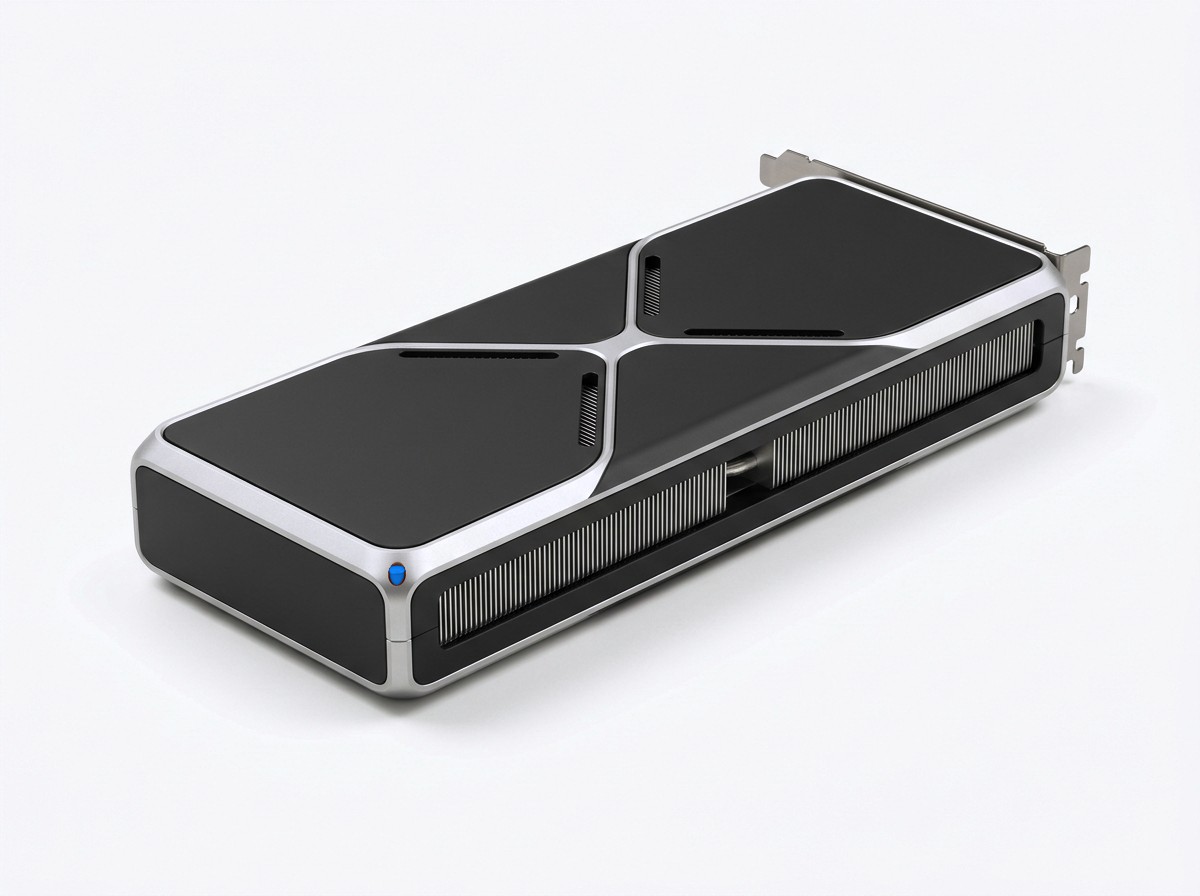
Game upfront. Run AI Token compute — zero lag.

A portable < 1 MB single-file Windows app to monetize idle GPU cycles cleanly with an Apple-light live panel. Double-click to run with zero setup: auto-yields GPU to games for stutter-free FPS, holds flat thermals, and deletes cleanly in seconds.

Windows 10/11 · Portable Single-File · NVIDIA Ready (AMD soon) · AI Token → USDT · < 1 MB

IdleHash — Portable <1 MB single-file Windows app for lag-free gaming & AI Token USDT settlement
Single-File App Zero install · Apple-light live control panel
Play & Yield Auto-yields to games · steady temps · < 0.2% CPU
Workloads & USDT AI Token compute → USDT · Zero-deduction store audits

Built for everyday smoothness, not thermal redlines

Engineered for competitive foreground gaming and live commercial seats: adaptive compute efficiency yields instantly to players while unlocking full throughput overnight.

Adaptive
Balanced efficiency

Steps back smoothly during games and scales AI Token compute cleanly during idle hours.

Auto-Yield
Zero-lag gameplay

CS2, Valorant, PUBG & AAA games stay silky smooth, with 1-click manual pause anytime.

Steady Temp
Rock-solid thermals

Holds flat, cool GPU temperatures and calm fan acoustics around the clock.

< 0.2% CPU
Virtually invisible

Minimal system overhead, metered by valid compute directly into USDT (TRC20 / BEP20).

Supported compute workloads & hardware roadmap

Focused today on making AI Token compute effortless, lag-free, and transparently settled in USDT, while steadily adding distributed compute workloads.

AI Token Compute

Metered by valid compute · Per-store transparent audits
Live Now

Tuned for live gaming PCs and 24/7 venues: dynamically yields GPU priority to foreground games with flat thermals and adaptive AI Token throughput.

Settlement Direct USDT (TRC20 / BEP20), zero-deduction verifiable audits
Reconciliation Solo PC direct settlement or store/seat-grouped venue audits
Ready GPUs Mainstream NVIDIA GPUs ready (mixed multi-GPU isolated)
System Overhead < 0.2% system CPU · < 1 MB portable single-file app

More Distributed Compute

Rolling expansion · Same single-file architecture
Coming Soon

Zero empty hype — we onboard steady, high-demand distributed compute workloads that meter valid output cleanly into direct USDT.

Seamless Workload Expansion Receive new distributed compute workloads automatically inside the same lightweight single-file client.
AMD & More GPUs In Parallel Our universal Windows GPU client continues expanding across AMD Radeon and additional GPU families.
Ready Today Mainstream NVIDIA desktop & laptop GPUs (mixed multi-GPU ready)
Rolling Out AMD Radeon & additional compute workloads continuously added
Check GPU compatibility

Engineered for every real-world Windows GPU setup

From high-FPS competitive gaming at home to 500-seat diskless gaming cafes, IT partners, and quiet multi-card studios.

Competitive Gaming

CS2, Valorant, PUBG & AAA titles

Double-click the single file to open the live panel. Dynamically yields GPU headroom to games with 1-click manual pause anytime.

Gaming PC guide
Gaming Cafes & Hotels

10 to 5,000+ diskless seats

Smooth daytime player sessions plus overnight AI Token USDT revenue with < 1 MB zero-writeback footprint.

Gaming Cafe solution
IT Partners & Techs

Upgrade from 1–9 RMB popups to 24/7 USDT

For cafe technicians & PC builders: 3-minute diskless image drop-in, 1-minute rollback, zero-deduction store audits.

Explore partner program
Transparent Security

Verifiable audits & delete-to-leave

Verify SHA-256 checksums, audit valid compute per PC or store, and remove completely by deleting the single file.

Security & Payouts

Double-click and start in 30 seconds

Zero setup wizard, zero registry clutter — clean Apple-light live panel, close and delete to leave.

01

Double-click IdleHash.exe

Portable < 1 MB single file opens a clean live control panel immediately — no installation required.

02

Enter USDT or store group ID

Solo users paste a USDT (TRC20/BEP20) address or ID; cafes and IT partners group cleanly by store.

03

Play & earn — delete anytime

Auto-yields GPU to games with flat temps; close and delete the file anytime for zero leftovers.

Built for one PC — ready for 5,000+ seats

Test on a single machine in 30 seconds, then roll out cleanly across your entire venue or partner network.

Personal & Trial · 1–9 PCs

IdleHash Portable Desktop

Portable < 1 MB single-file app with a clean live control panel — ideal for gamers and 1–2 seat overnight tests.

Explore Gaming PC guide
Commercial & Partners · 10–5,000+ PCs

Cafe, Studio & Channel Suite

Diskless-ready deployment with smooth daytime gaming, adaptive overnight AI Token output, and store-grouped audits.

Explore Partners & Techs hub

Edition comparison at a glance

Same lag-free, card-friendly engine — pick the edition that matches your seat count and workflow.

Feature Portable Desktop Edition1–9 PCs · Home PC & quick trial Cafe & Partner Edition10–5,000+ PCs · Venues & channels
App format & UI
< 1 MB single-file app with Apple-light live panel & tray icon
< 1 MB lightweight binary built for diskless images, zero disk writes
Concurrent gaming
Auto-yields GPU to games with 1-click pause in panel or tray
Smooth high-FPS customer play by day, adaptive output overnight
Thermals & efficiency
Flat card temps · < 0.2% CPU · adaptive AI Token efficiency
24/7 steady low-noise thermals · < 0.2% CPU · auto-recovery
Workloads & GPUs
AI Token compute → USDT · Mainstream NVIDIA (AMD rolling out)
Same core with isolated mixed multi-GPU & rolling workload updates
Setup & rollback
Zero install, 30s start — close & delete single file to leave
3-minute drop into diskless master image, 1-minute full rollback
Audits & settlement
Live panel status + direct USDT (TRC20 / BEP20) settlement
Store/seat-grouped reconciliation, zero deduction, direct to owner USDT
Support & onboarding
100% free download + full EN/RU/ZH guides & FAQ library
1-on-1 deployment guidance via Telegram & WeChat

How IdleHash compares at a glance

An honest snapshot against popular consumer apps and legacy utilities — click any option for the full breakdown.

Dimension IdleHash Salad / GamerHash NiceHash / Legacy Tools
Foreground gaming
Game upfront + compute in background, auto-yields GPU
Usually must stop completely while playing Idle timers misfire or raw tools stutter games
Work consistency
Continuous 24/7 AI Token compute scheduling
Empty container queues or ended GPU tracks Continuous work, often hot & loud by default
Direct USDT
Direct USDT (TRC20/BEP20) metered on valid compute
Internal balance & gift-card catalogs Mandatory verification or manual exchange steps
Format & cafe scale
< 1 MB portable single-file · zero disk writes · 1–5,000+ seats
Heavy installed suites · single consumer PC only Extra downloads or per-PC manual scripts

Guides, tutorials & playbooks

Practical step-by-step articles on lag-free gaming coexistence, AI Token USDT settlement, GPU thermal longevity, and diskless cafes.

Browse all 18 guides

Frequently Asked Questions

Can I really play games while IdleHash runs in the background without lag?

Yes. IdleHash dynamically yields GPU priority whenever a game runs so gameplay stays smooth with zero stutter while adaptive AI Token compute scales smoothly during idle hours — and 1-click pause is always ready.

Why do you highlight adaptive compute efficiency instead of redline heat?

Because smooth foreground gaming, desktop stability, and rock-steady card temperatures come first. Adaptive efficiency maximizes real-world uptime without thermal throttling.

Which GPUs and workloads are supported today?

IdleHash is built as a universal Windows GPU client: mainstream NVIDIA GPUs are ready today, with AMD and more models rolling out. AI Token compute settles directly in USDT today, with more distributed workloads coming.

How do cafes and partners verify zero-deduction reconciliation?

Option B groups valid compute cleanly by store, branch, or seat with transparent per-group breakdowns settled directly in USDT (TRC20 / BEP20).

Does it require installation? How do I remove it cleanly?

No installation required. IdleHash.exe is a portable < 1 MB single file — double-click to open the live panel, and close + delete the single file anytime for zero residue. It also fits cleanly into diskless cafe images.

Which USDT networks are supported for settlement?

Both TRC20 and BEP20 are supported, letting personal users and venue owners choose low-fee BEP20 or widely supported TRC20.

How much CPU does IdleHash use in the background?

Steady-state system CPU usage remains under 0.2%, keeping everyday desktop work, voice chat, and high-FPS games completely responsive.

Can I pause IdleHash manually whenever I want?

Yes. The Apple-light live panel and Windows system tray always show real-time temperature and status with 1-click manual pause and clean exit.